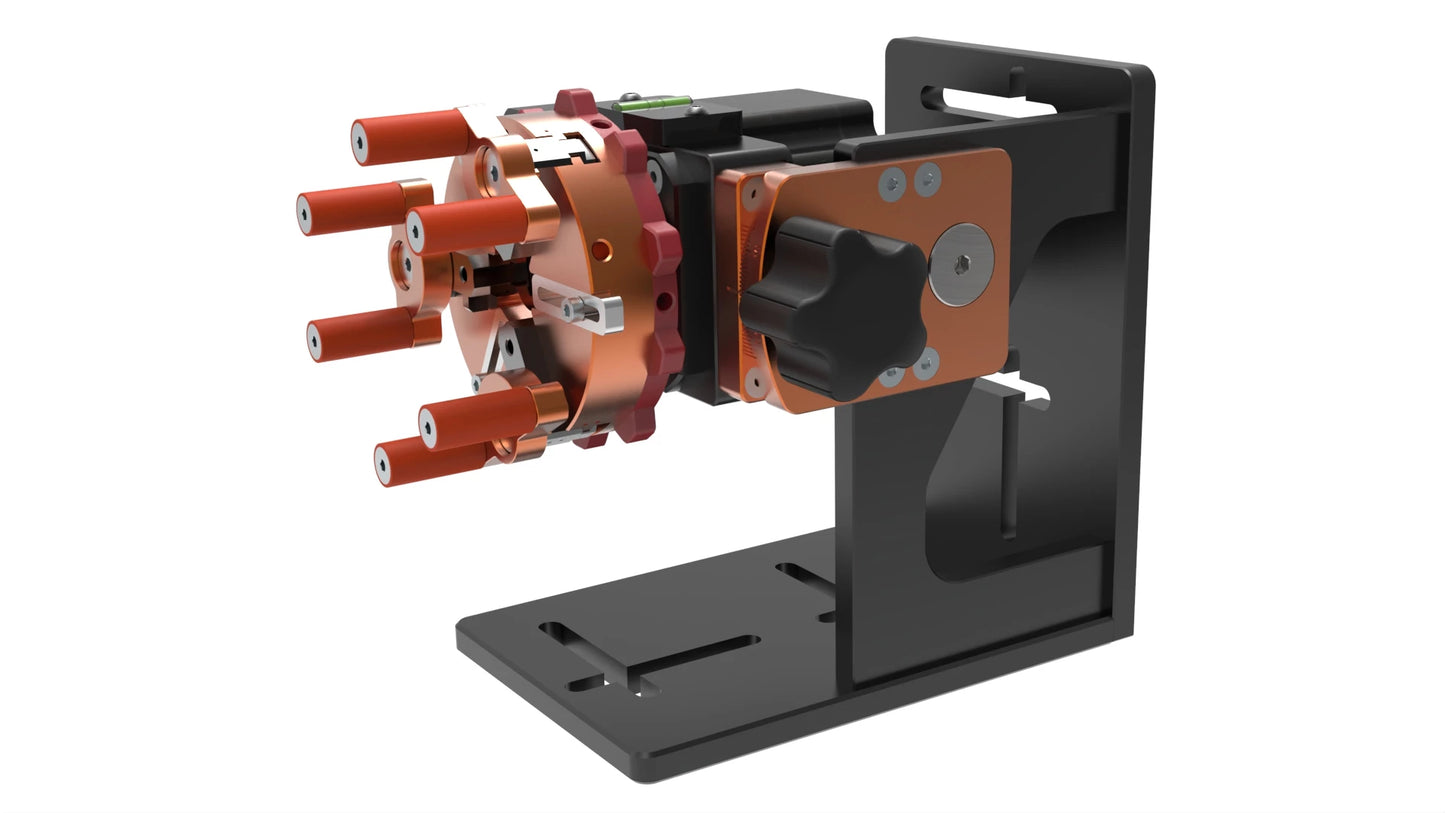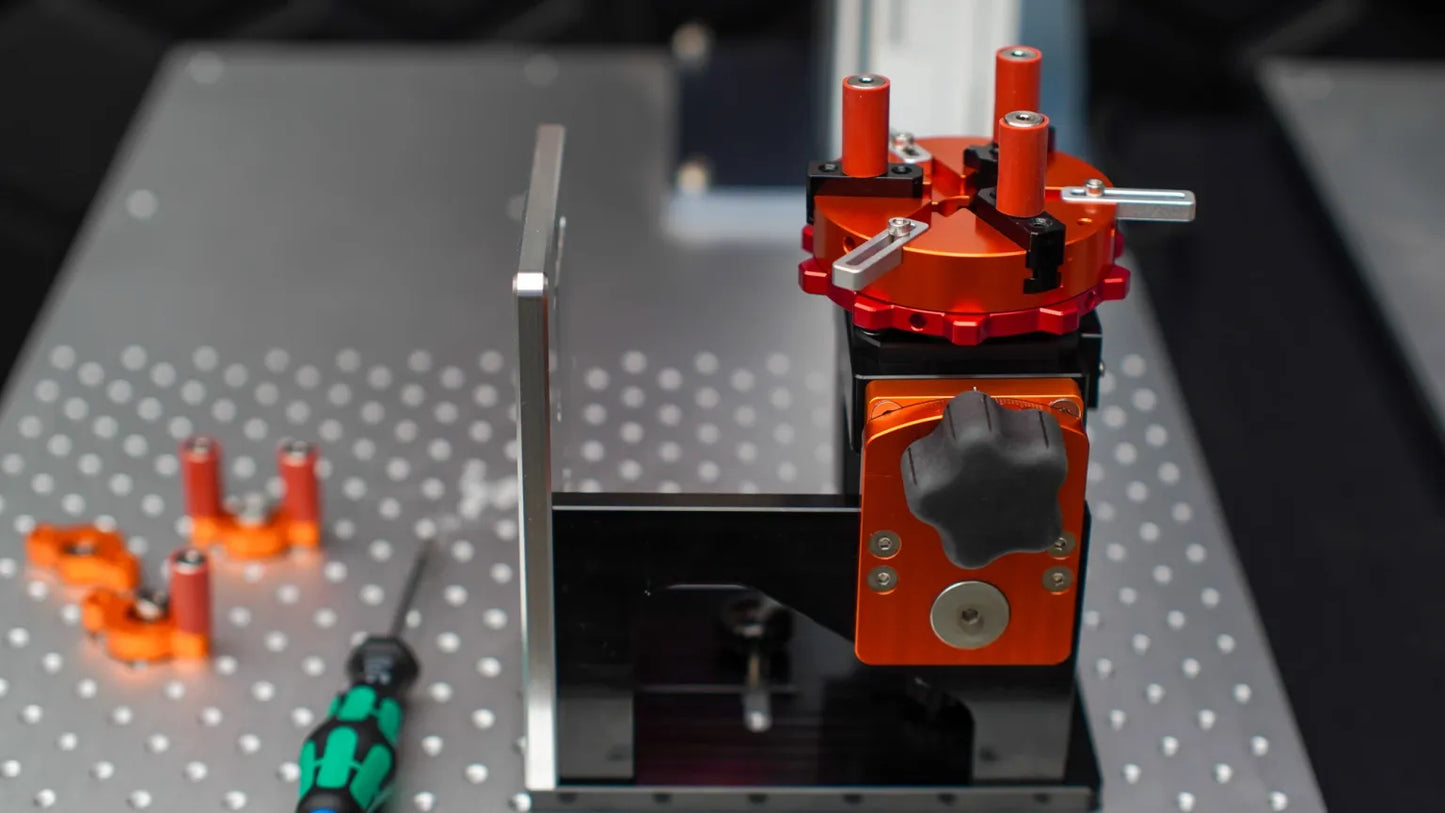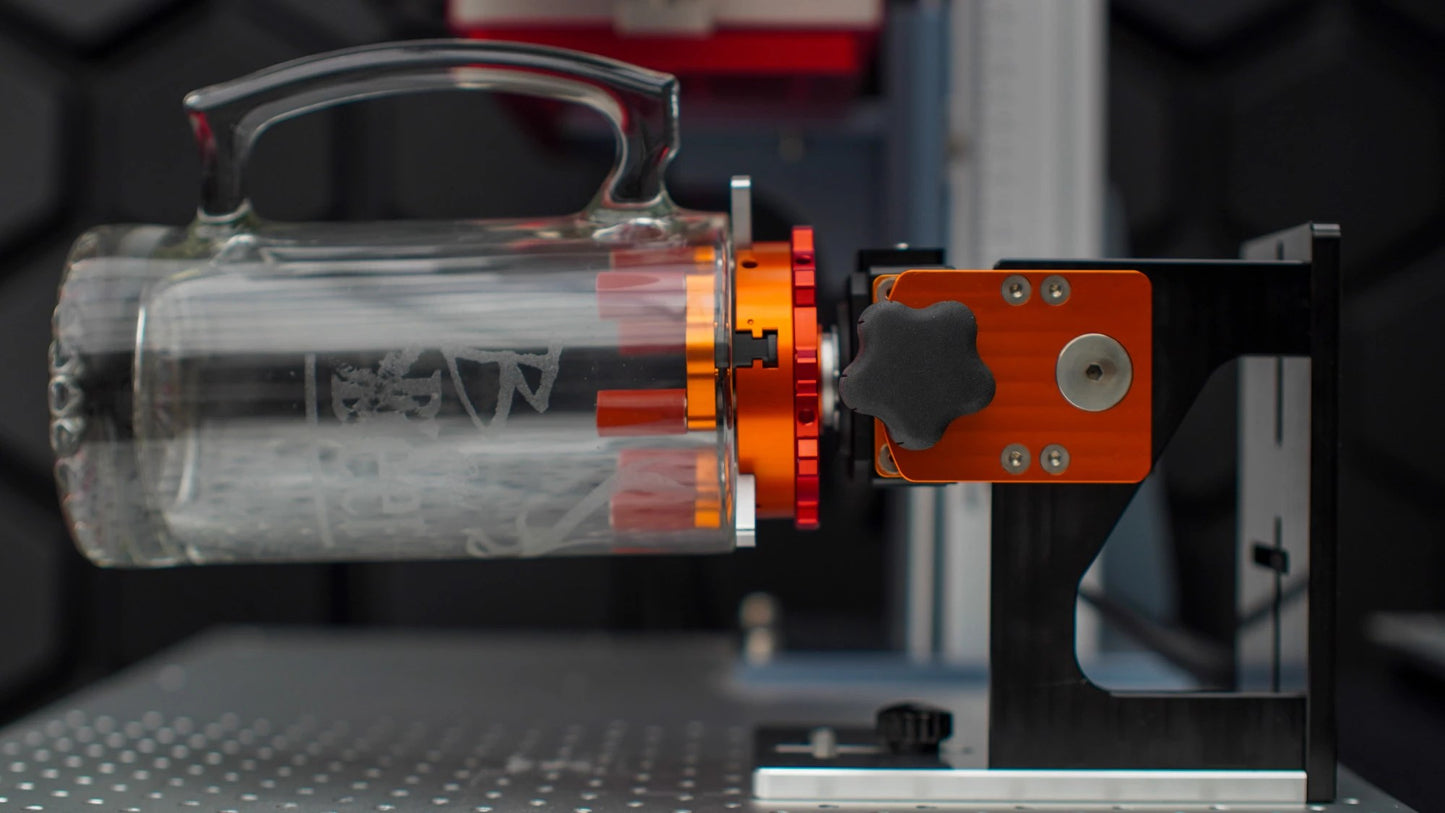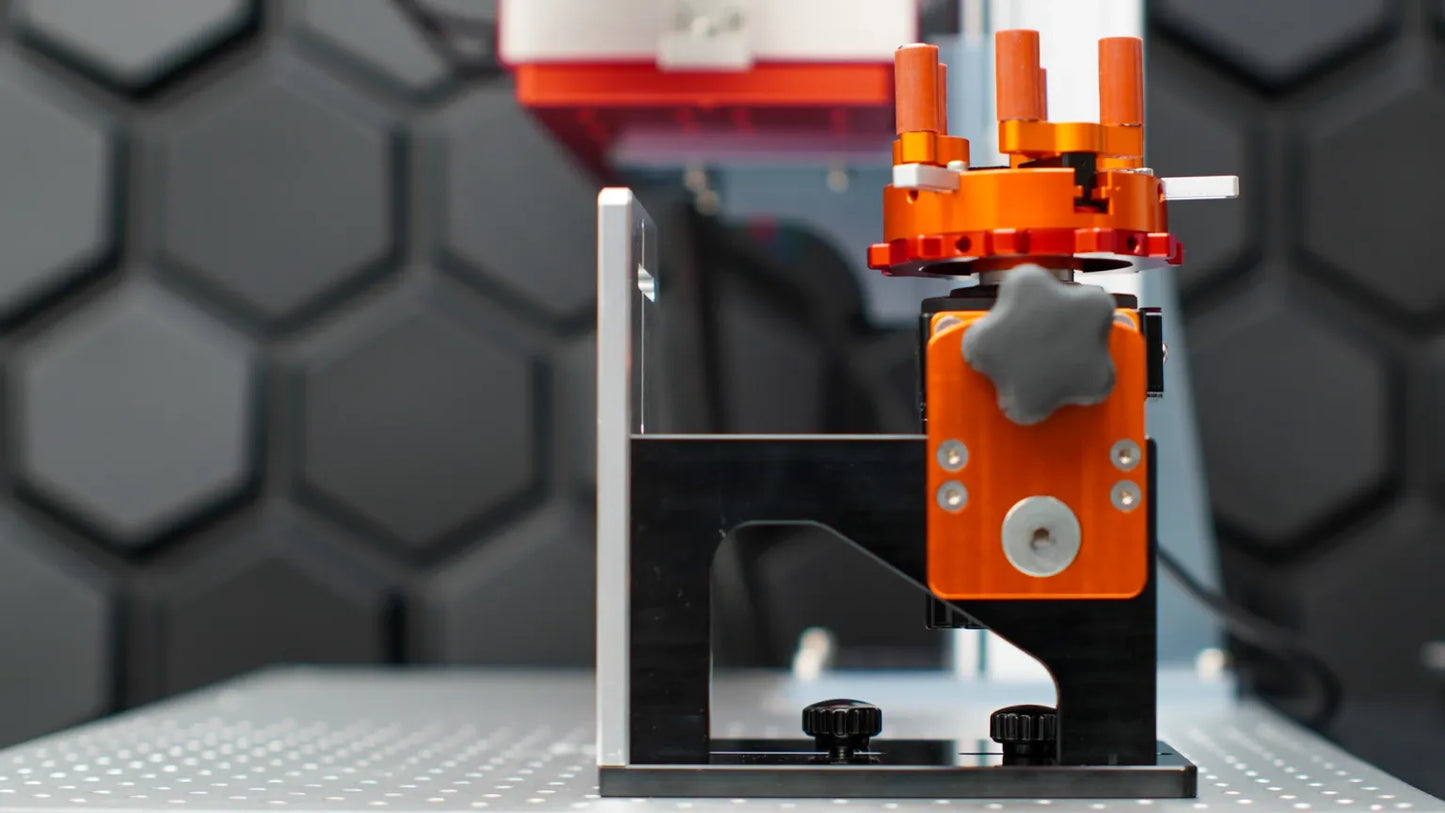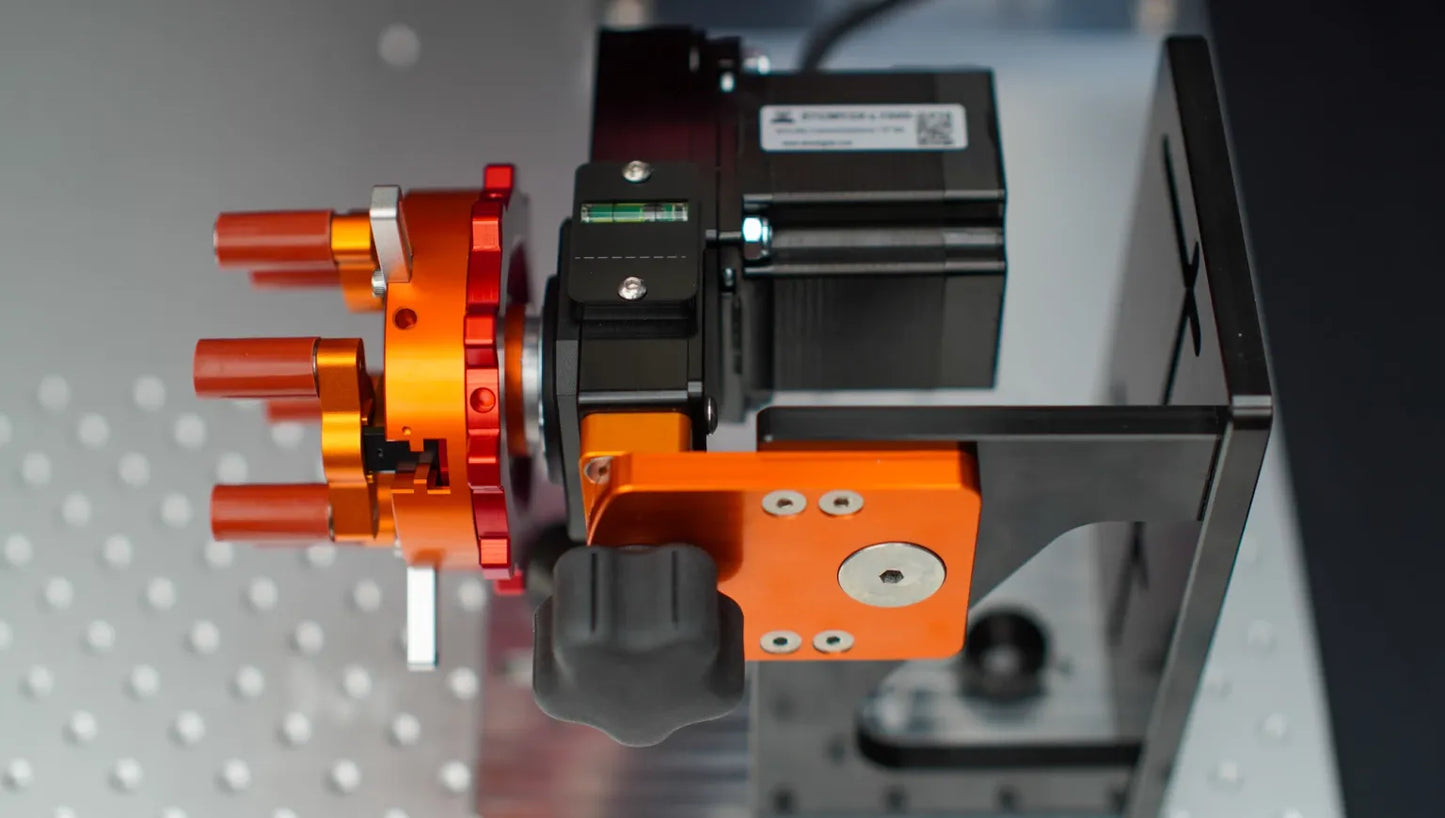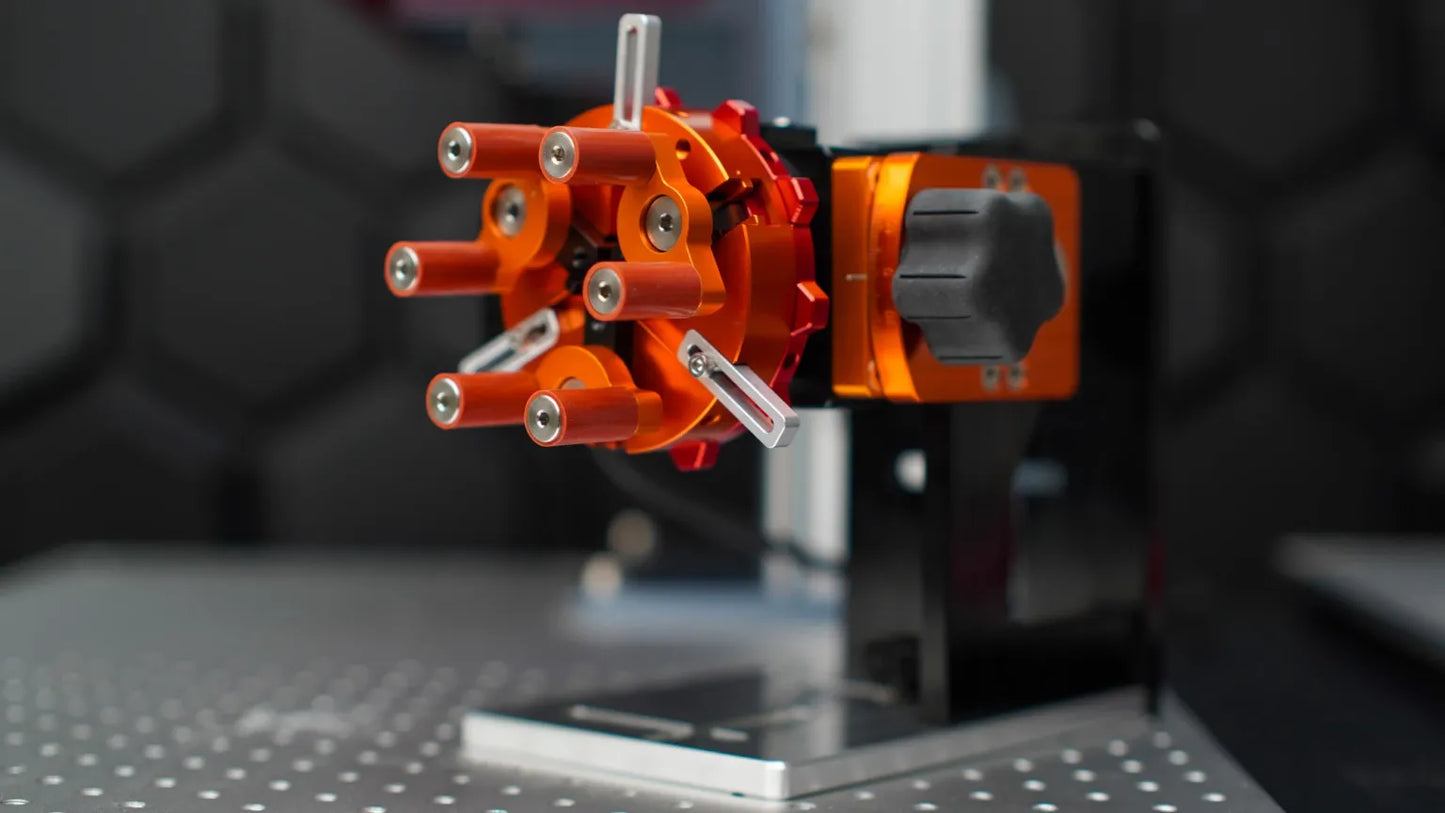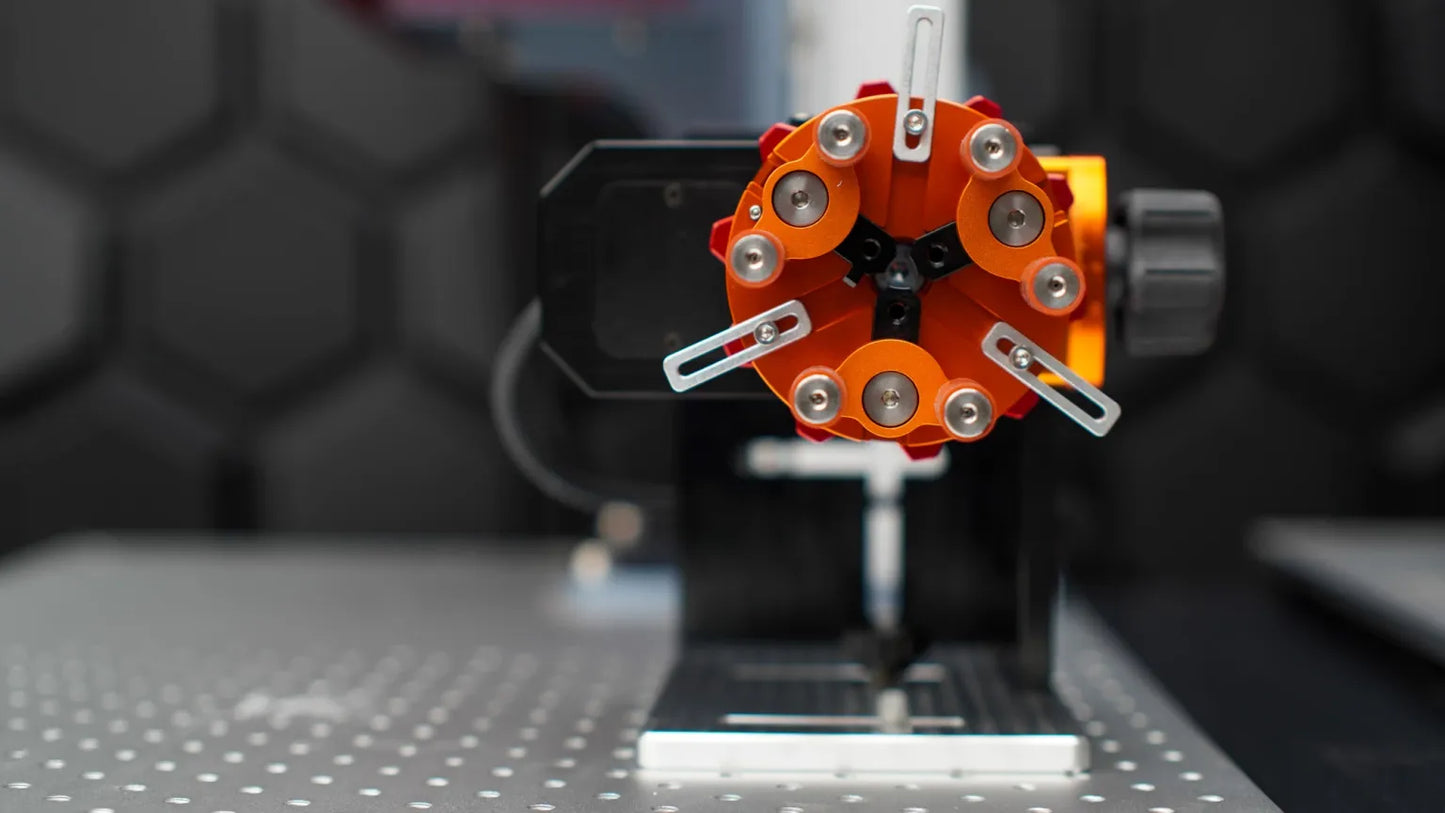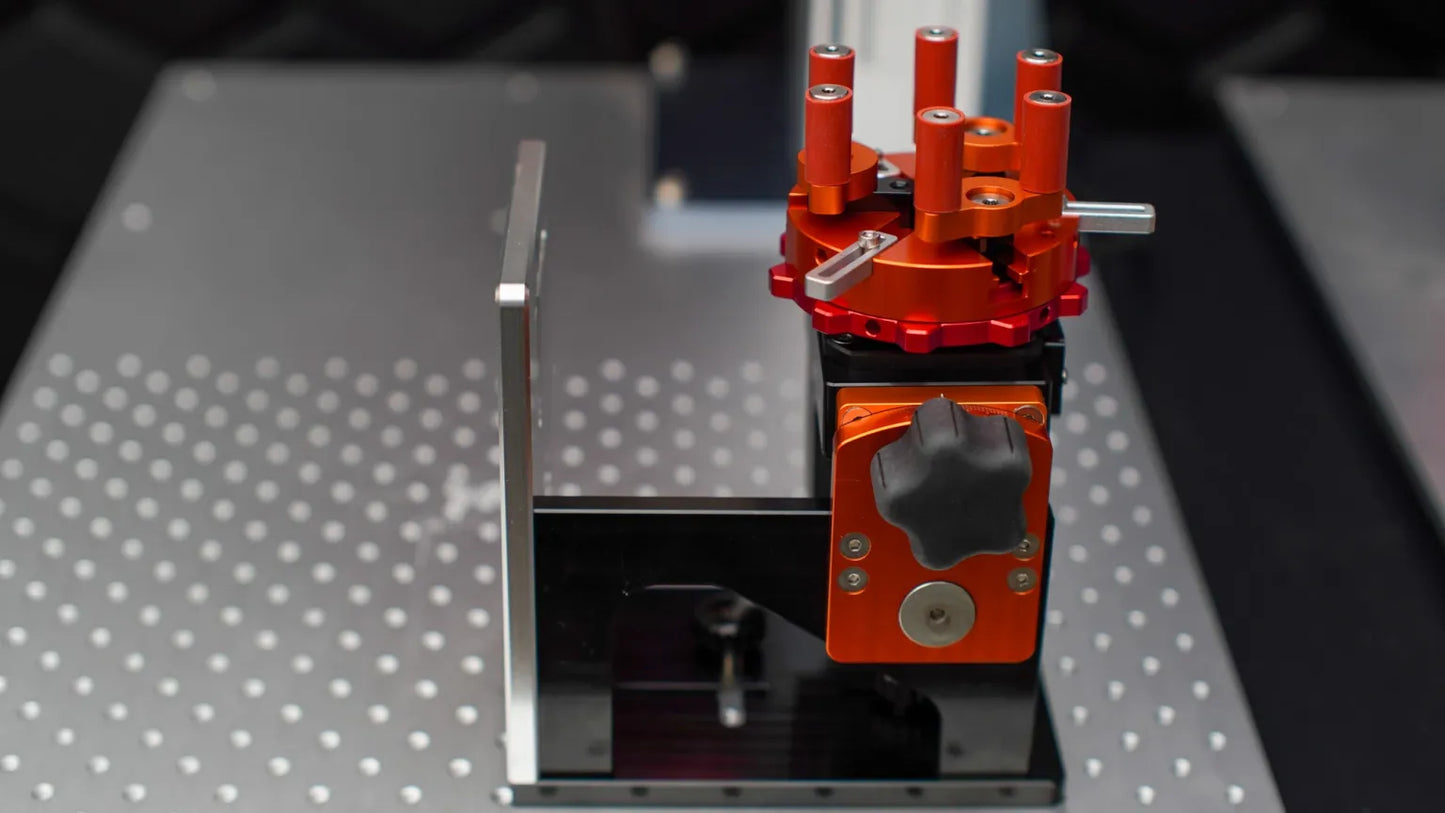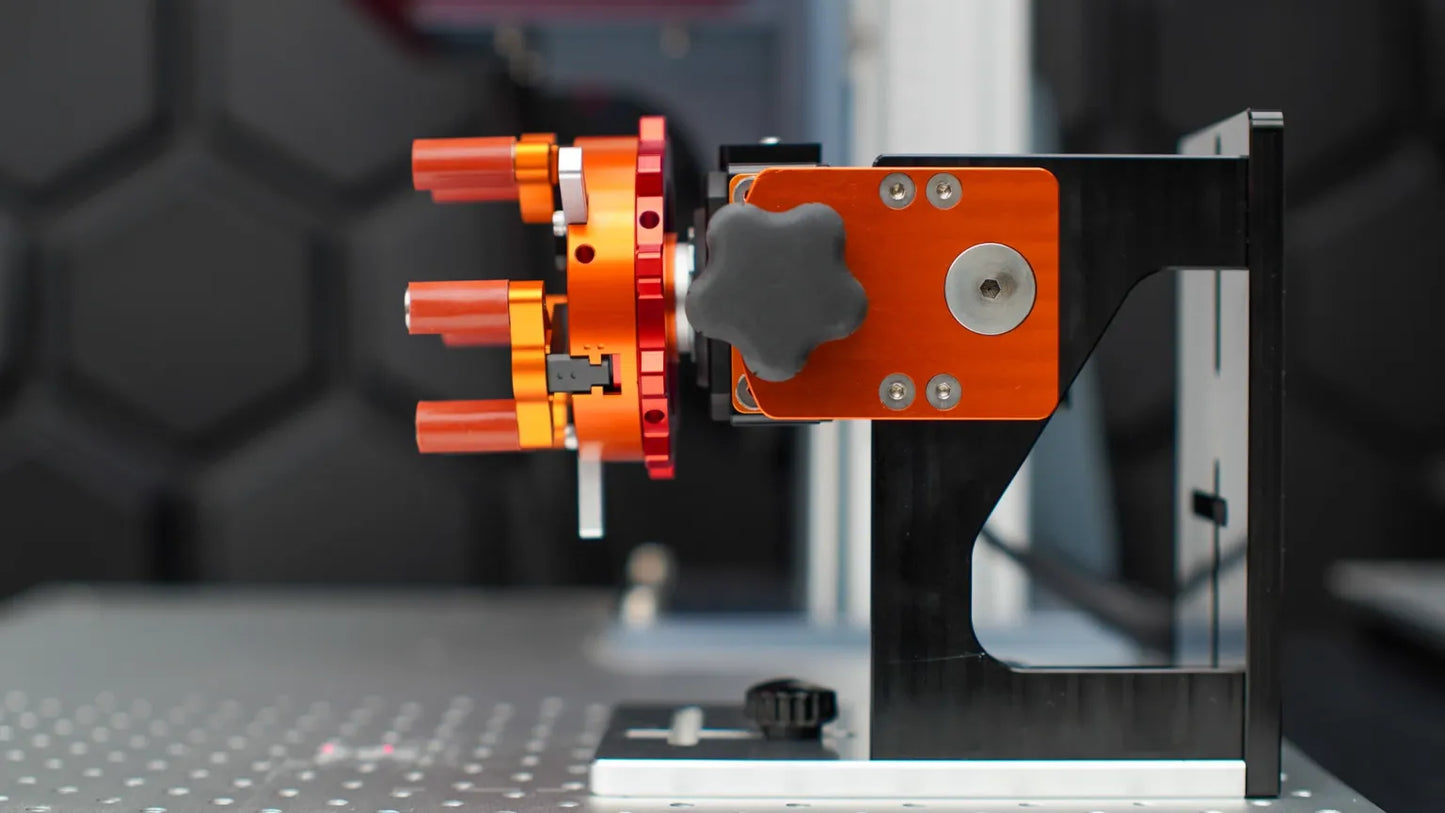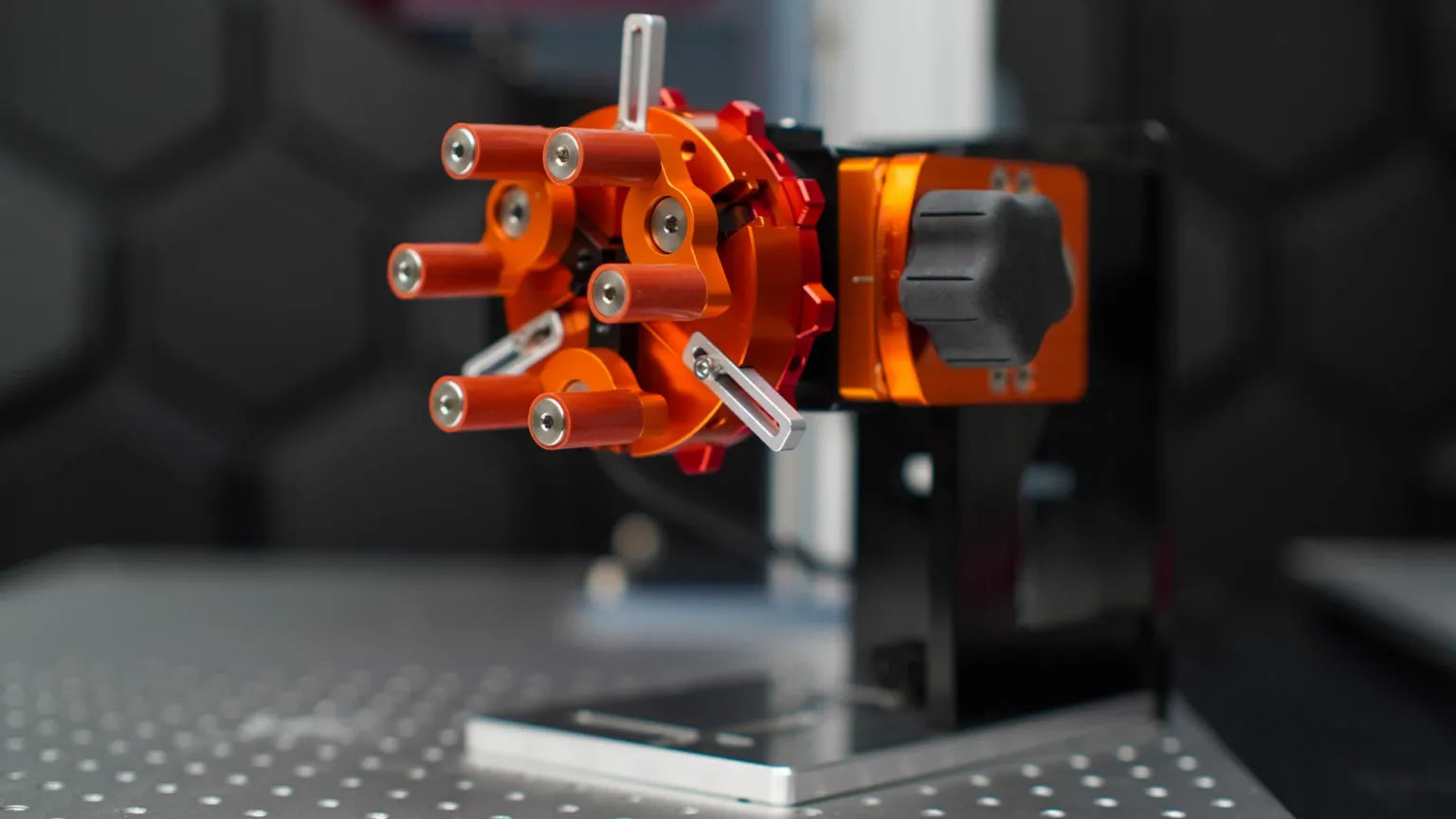
The PiBurn Galvo Grip offers precision, versatility, and affordability for Galvo laser systems. Its unique Galvo bracket features multiple slots for precise positioning, making it easy to switch to turret mode for enhanced functionality. Key highlights include the tilting function, built-in level indicators for perfect alignment, and the patent-pending Hexa-Jaw system, which delivers superior clamping power and extends the life of your finger jaws.
Key Features of the PiBurn Galvo Grip
Hexa-Jaw System: Securely clamps items while distributing load evenly for lasting durability.
Galvo Bracket with Multiple Slots: Ensures accurate positioning on Galvo laser breadboards.
Turret Mode Capability: Easily switch to turret mode for versatile engraving.
Elevate your tumbler engraving projects with the PiBurn Rotary Galvo Gripâprecision and performance made accessible!
We're over hot, achy, restless sleep. You can be too â save up to 20% on a GelFlex Grid mattress and base.
Terms Apply
PiBurn Galvo Grip â The Ultimate Chuck Rotary for Fiber and UV Lasers
Upgrade your engraving capabilities with the PiBurn Galvo Grip, the perfect budget-friendly solution for achieving precision and versatility. Retaining the core features of the Grip 2, the PiBurn Rotary Galvo Grip offers streamlined functionality designed specifically for Galvo laser systems. Whether youâre engraving intricate patterns or processing multiple items, this tool delivers exceptional results with ease.
The Galvo Gripâs innovative Galvo Bracket includes multiple slots for precise positioning on your laser breadboard table, and its flip-to-turret mode enhances workflow efficiency. With its tilting feature similar to the Grip 2, youâll enjoy unmatched flexibility at an affordable price.
Say goodbye to limitations and unlock new levels of creativity with the PiBurn Rotary Galvo Grip!
Exciting Features of the PiBurn Rotary Galvo Grip
The PiBurn Galvo Grip is a game-changer in the world of laser rotaries, offering precision and versatility for Galvo laser systems. Hereâs what makes it stand out:
Galvo Bracket with Multiple Slots: Precisely position the rotary on your Galvo laser breadboard table for enhanced engraving accuracy.
Turret Mode Capability: Easily flip the bracket to switch to turret mode, providing versatile engraving options for various projects.
Tilting Functionality: Accommodates a wide range of shapes and sizes with smooth tilting for optimal results.
Patent-Pending Hexa-Jaw System: Features six jaws for secure clamping, holding heavier objects without back support and speeding up both internal and external clamping.
Built-In Level and Center Line Indicators: Ensures perfect alignment, delivering precise and consistent engravings every time.
Compact Design: Offers all these powerful features in a streamlined, budget-friendly package by eliminating the lift mechanism and back support.
Why Makers Love the PiBurn Rotary Galvo Grip
Laser engraving enthusiasts choose the PiBurn Rotary Galvo Grip for its unmatched flexibility, ease of use, and precision. Whether tackling intricate designs or tough projects, users appreciate the seamless setup and reliability it provides.
With the PiBurn Galvo Grip, weâre laser-focused on your success!
Technical Specifications
Weight
80 oz
Dimensions
8 Ă 8 Ă 8 in
Unlock Exclusive Updates & Savings!
Receive tips, promotions, and project inspiration.
Choosing a selection results in a full page refresh.
I have had my Hydra 7 since April. I love it and use it everyday. The dual tube is great for detailed engraving and powerful cutting. Onelaser has been great to work with. If I ever need a bigger machine, I will stick with them.
Love this Laser got it as a kickstarter there are something I wish it came with such as an air assist straight out the box and maybe a better camera lens buts overall love the machine I love this laser! I got it as a Kickstarter. There are some things I wish it came with, such as an air assist right out of the box and maybe a better camera lens, but overall, I love the machine.
After considering several Lasers, I settled on 1/One Laser. I picked this for the power, speed, features, and cost. Being a beginner in CO2 Lasers, I will say the customer support was prompt and helpful. Even though it took a while, tech support answered all my questions in a thorough manner. I liked that. The riser was easy to assemble and the machine worked right out of the box. However, documentation could use some help. Insead of a thumb drive with an outdated manual, give me a bar code to scan . . . that takes me to a special "Newcomers page" on your website. It felt like I had to root around to find startup information. I would suggest the webpage give me links to videos for: 1) unpacking and turning on the laser, 2) safety briefing video (Is it safe to watch the laser while it's working?), 3) Turning on the camera & reading in the camera file, 4) send me to Lightburn.docs sight. . . make this easy for a beginner. Having said all that, I would recommend 38W RF machine. So far, the tech support is solid.